
What Could We Automate? · Episode 01
From Job Site to Finished Report
How a mobile inspection workflow could turn field notes and photos into reviewed service reports and useful equipment history.
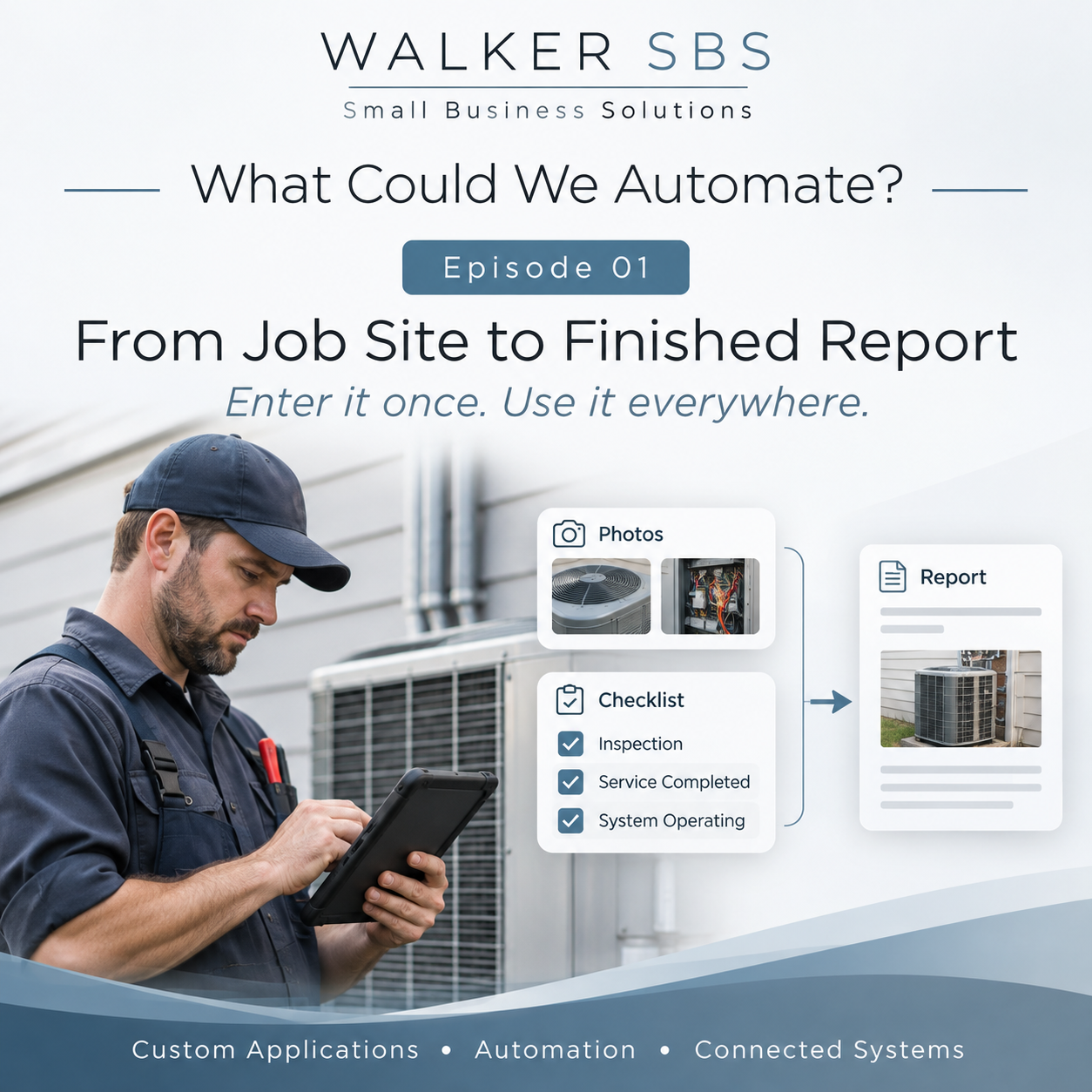
A technician finishes a service call with the readings on a paper form, the photos on a phone and the recommendations in a notebook. Back at the office, someone has to match everything to the job, type up the findings and ask the technician to fill in any gaps. That work takes time and makes it harder to send the customer a consistent report.
For HVAC companies, plumbers, electricians and contractors, the same problem can come up on the next visit. A technician may know that equipment was serviced last year but still have to call the office to find the last readings or see what was recommended. When useful information is scattered across spreadsheets, inboxes and devices, even a straightforward follow-up can start with a search.
Capture the job while it is happening
Walker SBS could develop a mobile-friendly application that brings those records into one workflow. The technician would open the assigned job on a phone or tablet and see the site, equipment and inspection checklist for that service. A maintenance visit might prompt for equipment readings, while a fault investigation might ask for symptoms, measurements and the next recommended action.
The technician could take photos and attach them to the relevant inspection item. The application would store them centrally with the job record, so the office could tell which piece of equipment a photo shows. Where a connection is available, the technician’s entries could synchronize as work progresses. Sites with poor coverage would need a workflow designed around when the device can connect.
From field notes to a report
- The technician opens the job and confirms the site and equipment.
- Guided inspection questions capture readings, observations and recommendations.
- The application saves the answers and photos against the job in the central system.
- Office staff can see which inspections are complete and review findings as they arrive.
- The system assembles the recorded information into a formatted service report.
- A reviewer checks the draft, resolves gaps and approves the report.
- The customer receives the approved version through the business’s chosen delivery method.
- The findings remain linked to the equipment so authorized staff can consult them at the next visit.
A report template could show the customer what was inspected, what the technician found and what needs attention next. The office could keep internal notes out of the customer copy. If customer access makes sense, permissions could limit each customer to the approved records for their own sites.
Enter it once. Use it everywhere.
A reading captured during the inspection could appear in the service report and in the equipment history. A recommendation could help the office prepare a follow-up quote. An open inspection could appear on a supervisor’s dashboard so they know which jobs are waiting for review. Each use draws on the same original entry instead of asking someone to type it again.
A sensible starting point would be one service type with a repeatable checklist and a report the office already sends. That gives the team a concrete workflow to try and makes it easier to decide which fields, approvals and connections are useful before expanding to other jobs. Walker SBS has experience developing mobile digital inspection applications. This field-service workflow is an example of a system we could build around how your team works.
Could something like this improve your business?
Contact Walker SBS to discuss how a custom solution could work for your operations.
Contact Walker SBS