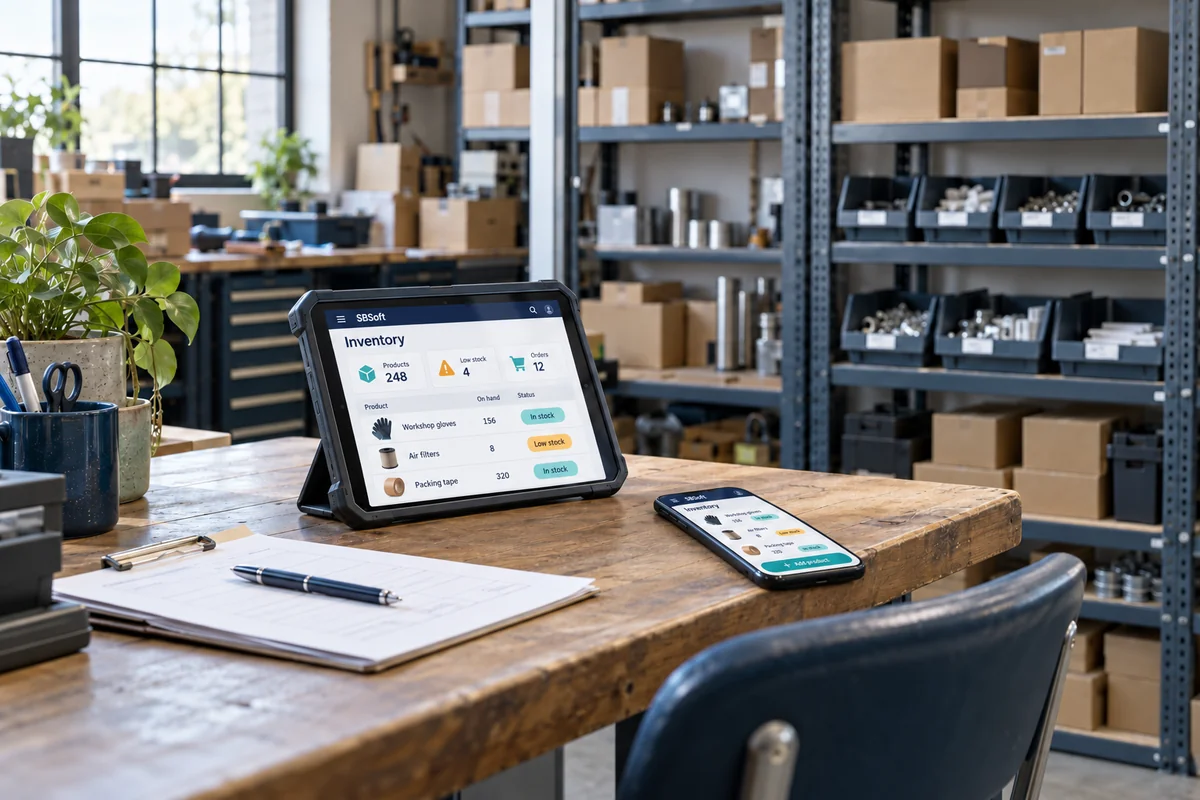
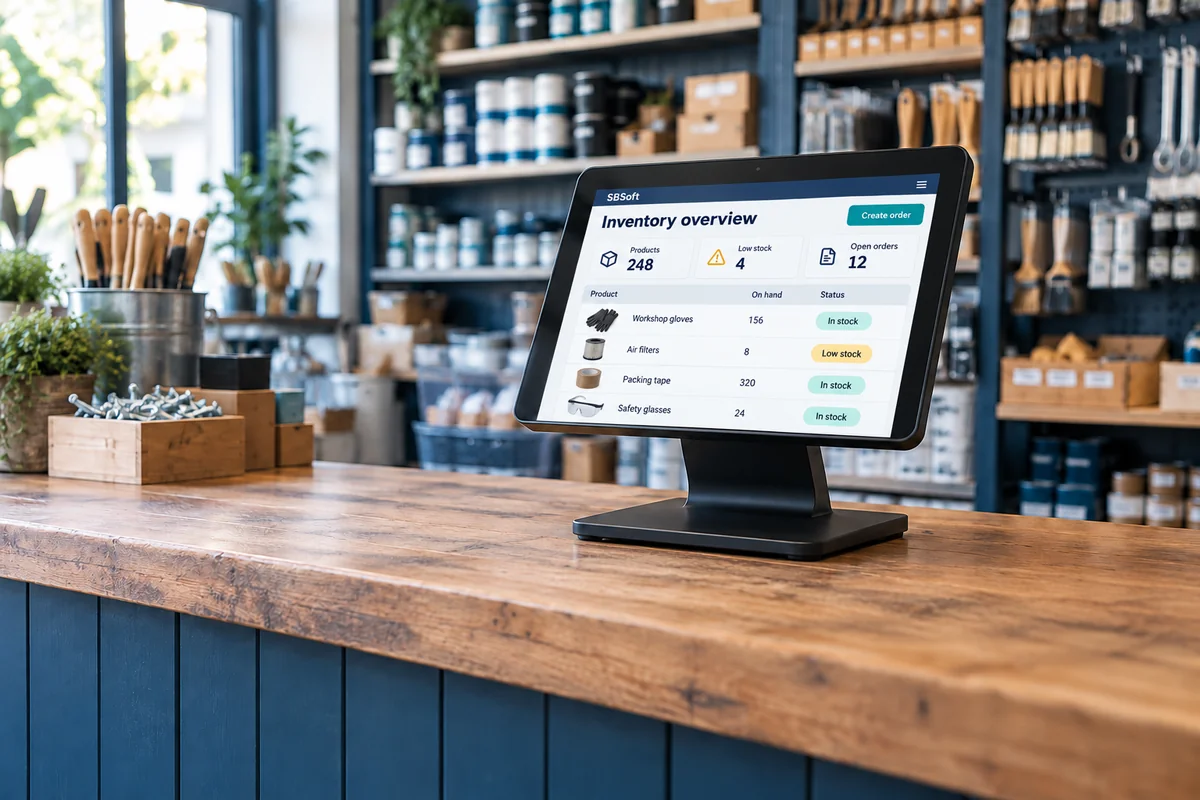
AI-generated illustrative settings, not client locations or completed installations. Our interactive software examples use fictitious sample data.
WHERE WE CAN HELP
Connected tools. Practical places to use them.
At the desk, on the move or in front of your customers.
⇄
Remotely managed applications
Keep business applications maintained and updated remotely, with hosting, monitoring and support responsibilities defined around your needs. Spend more time using your tools and less time managing the technology behind them.
▤
One web application. Desktop to mobile.
Mobile-friendly .NET web applications give your staff access through a browser on phones, tablets and computers. Shared workflows and information, without developing and maintaining a separate mobile app for each platform.
▣
Product display terminals
Put your catalogue in front of customers with in-store product displays or self-service browsing terminals. Show product details, images and pricing from a central source, with content you can manage remotely.
▦
Database-driven products
Bring product catalogues, inventory, customer records and operational information into structured systems. Search, update and report on the same information across the tools your business uses.
Each solution is scoped to the project. Device compatibility, connectivity, data integrations and ongoing management are agreed during discovery.
01 / INVENTORY & REORDERING
A little foresight. Fewer stock surprises.
Illustrative example — sample data
Know what you have. Understand what moves. Plan what comes next.
Set minimum and maximum stock levels, compare customer order sizes and see a suggested replenishment plan. Try changing a stock target or reporting period.
SAMPLE WORKSPACE
Inventory control
Local demo · nothing is ordered
Edit the minimum trigger and maximum target directly. Select a product to inspect its orders. On smaller screens, scroll the table horizontally.
Sample stock levels, minimum and maximum targets, customer order statistics and suggested purchases
Product / SKU
On hand
Incoming
Min stock
Max stock
Avg / order
Days cover
Status
Buy
CUSTOMER ORDER PATTERNS
REPLENISHMENT PREVIEW
Suggested purchase list
When on-hand stock plus incoming units falls below minimum, buy enough to reach maximum. Incoming units are assumed available for this simplified calculation; supplier lead times and reservations are not modelled.
Sample costs in CAD, before tax and delivery. No purchasing or live supplier connection.
How these figures are calculated
Minimum and maximum stock are editable planning targets. Average order is total units sold divided by the number of customer orders in the selected sample period. Days cover is current on-hand stock divided by average units sold per day; incoming stock is excluded. The order panel shows the smallest, largest and average customer order, in units. These figures describe seeded sample history, not a demand forecast.
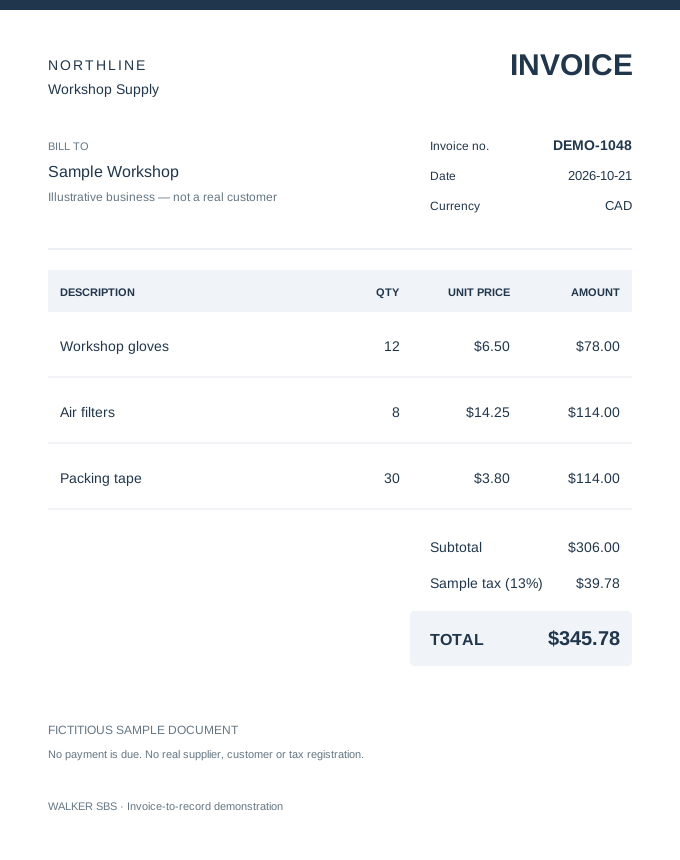
See how an AI-assisted workflow could read an invoice, organise its details and prepare a record for review. This example uses a fixed, fictitious invoice and scripted extraction. No live AI, uploads or external processing.
1. Read the image
2. Review the details
3. Confirm the record
SOURCE DOCUMENT
A supplier invoice
Fictitious supplier and customer. Open the image to inspect it at full size.
STRUCTURED DATA
Review before recording
Start with “Extract details” to populate this draft.
Records exist only in this page’s memory and disappear on reload or reset. Nothing is sent, paid or saved to a real database.
Sample records
0 records
Invoices confirmed in this demonstration
Record
Supplier
Invoice
Date
Total (CAD)
Status
No records yet. Extract, review and confirm the sample invoice.